



- 20 Jul, 2026
- 0 Comments
- 5 Mins Read

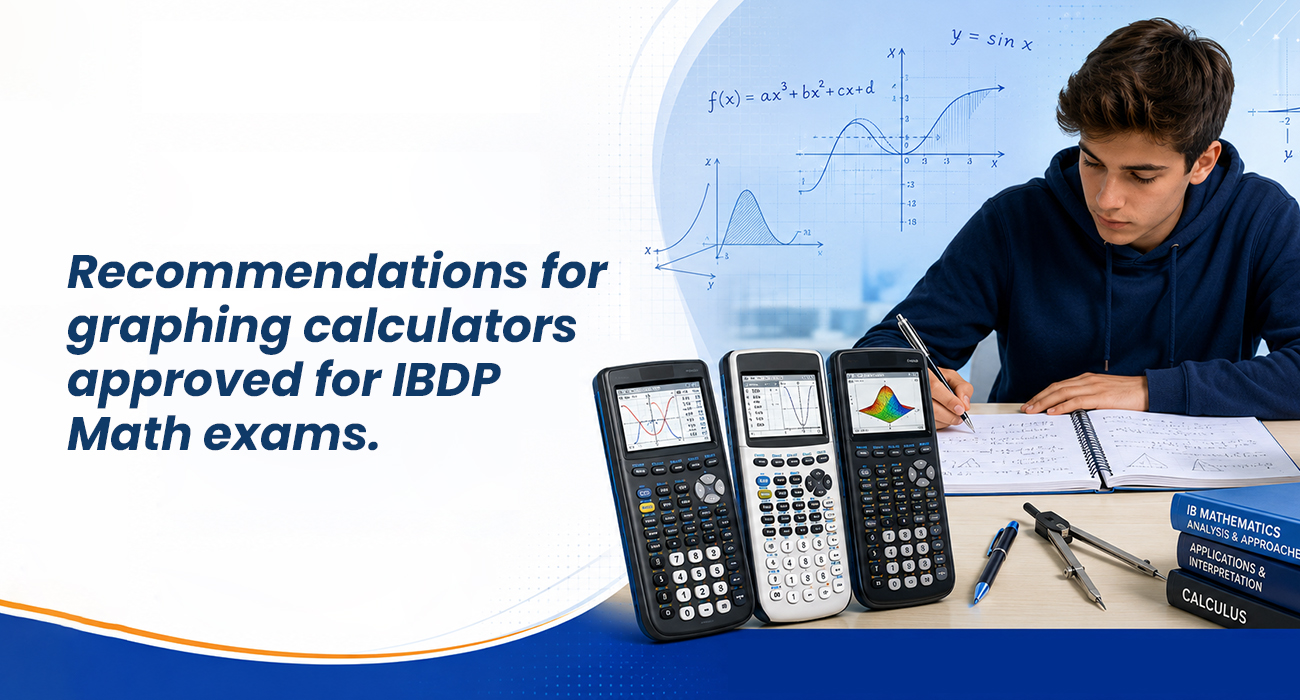
Recommendations for graphing calculators approved for IBDP Math exams.
For students aiming for success in the International Baccalaureate Diploma Programme (IBDP), selecting an approved graphing calculator is vital. These models provide essential statistical, algebraic, and graphing capabilities allowed in examinations, ensuring students can confidently solve complex mathematical problems under timed conditions.
Dive through this comprehensive guide to explore the importance of graphic calculator
The Strategic Importance of the Right Graphing Calculator in IBDP Math
The International Baccalaureate Diploma Programme (IBDP) Mathematics courses, include:
- Analysis and Approaches (AA)
- Applications and Interpretation (AI)
Demand deep conceptual analytical skills and quick problem-solving capabilities.
In Paper 2 and Paper 3 exams, your graphing calculator is a critical, high-functioning tool that acts as an extension of your mathematical mind.
Choosing a device from the permitted list ensures you bypass compliance complications during rigorous exam inspections. A well-chosen calculator accelerates data analysis, matrix operations, probability distributions, and complex function graphing, leaving you with more time to focus on advanced conceptual reasoning.
Approved Graphing Calculators for IBDP: Detailed Evaluation
The International Baccalaureate Organization maintains strict guidelines regarding electronic devices. Most notably, calculators featuring Computer Algebra Systems (CAS) are strictly prohibited. Below is a breakdown of the top recommended models officially approved for IBDP Math examinations.
1. Texas Instruments TI-Nspire CX II (Non-CAS)
The TI-Nspire CX II (Non-CAS) is widely considered the gold standard for IBDP students. Its high-resolution color screen and touchpad navigation make handling complicated functions intuitive. It excels in dynamic graphing, allowing students to visualize how changing coefficients affects functions in real-time.
- Key Benefits: Fast processing speed, excellent spreadsheet capabilities, and an intuitive geometry application.
- Best For: Students pursuing IBDP Mathematics Analysis and Approaches (AA) Higher Level (HL), where visual geometry and deep calculus functions require quick, multi-screen processing.
2. Texas Instruments TI-84 Plus CE
A modernized version of a classic, the TI-84 Plus CE offers a slim design and a vibrant backlit color display. It utilizes a traditional, straightforward menu structure that many students find exceptionally easy to master quickly.
- Key Benefits: Incredible battery life, highly durable build, and a massive library of familiar step-by-step math applications.
- Best For: Students enrolled in Mathematics Applications and Interpretation (AI) Standard Level (SL) or AA SL who prefer a robust, user-friendly interface without a steep learning curve.
3. Casio fx-CG50
Casio’s premier non-CAS graphic calculator stands out for its natural textbook display and exceptionally fast rendering of 3D graphs. It offers an incredible price-to-performance ratio, making it a highly popular option worldwide.
- Key Benefits: Beautiful 3D graphing capabilities, natural display showing fractions and roots exactly as they appear in textbooks, and no complex mode switching.
- Best For: Visual learners who require clear three-dimensional vector modeling and rapid statistical plotting.
Comparative Analysis of Approved Models
To assist you in making an informed decision, the table below outlines the core specifications, distinct advantages, and ideal fits for each approved device.
| Calculator Model | Screen Type & Resolution | Primary Strengths | Best Suited Course Level |
| Texas Instruments TI-Nspire CX II (Non-CAS) | Color LCD, $320 \times 240$ pixels | Dynamic graphing, touchpad navigation, multi-window layout files. | IBDP Math AA & AI (Higher Level) |
| Texas Instruments TI-84 Plus CE | Color LCD, $320 \times 240$ pixels | Intuitive linear menus, excellent battery longevity, classic reliability. | IBDP Math AA & AI (Standard Level) |
| Casio fx-CG50 PRIZM | Color LCD, $384 \times 216$ pixels | 3D vector graphing, natural textbook display, budget-friendly. | IBDP Math AA/AI (SL and HL Visual Learners) |
How To Prepare for Press-to-Test Mode
Before stepping into the examination hall, every student must understand how to configure their device into the mandatory Press-to-Test mode. This protocol temporarily deactivates restricted programs, stored notes, flash applications, and unapproved geometric software, ensuring absolute academic integrity.
Crucial Guidelines for Exam Preparation:
- Clear the Memory: Learn how to reset the RAM and clear archive memory to prevent unexpected software glitches right before the test starts.
- LED Notification Familiarity: Ensure the top LED indicator flashes the correct color code (e.g., green for TI models) once the exam mode is activated, allowing invigilators to verify compliance instantly.
- Update Operating Systems: Keep your calculator’s firmware fully updated to the latest official version to access optimized battery management and glitch-free operations.
Maximizing Efficiency During The Examination
Succeeding in IBDP mathematics requires a harmonious balance between manual calculations and calculator efficiency. Here are strategic tips to optimize your device usage during exams:
- Master the Statistics Menu: For Applications and Interpretation students, proficiency in Chi-squared tests, T-tests, and normal distributions directly translates to valuable points.
- Utilize the Equation Solver: Don’t waste precious minutes solving complex polynomial systems manually; utilize the built-in numeric solver to verify algebraic results quickly.
- Keep Spare Power Options: Always charge your internal lithium-ion batteries to 100% the night before the exam, and carry an approved backup charging cable or fresh alkaline batteries depending on your model.
Choosing the ideal tool requires careful reading of the official IBDP graphing calculator guide to cross-reference software versions and avoid accidental disqualification. If you are looking to build a rock-solid foundation in mathematics even before entering the diploma program, securing guidance from the best online classes can dramatically ease your transition into a higher-level academic curriculum.
Achieve Academic Excellence with EDU-RADIATION TUTORIALS
Mastering a complex graphing calculator and navigating the rigorous IBDP Mathematics syllabus requires strategic, expert mentorship. At EDU-RADIATION TUTORIALS, we offer comprehensive, personalized online tutoring designed to transform your academic potential into exceptional results. Our structured programs focus heavily on deep conceptual clarity, past-paper mastery, and specialized calculator techniques that maximize efficiency during timed examinations.
Whether you need targeted support in advanced calculus, complex statistics, or vector geometry, our interactive learning modules provide the ideal platform for success. Visit our official platform today to explore our curriculum options and discover how we can help you achieve a perfect score of 7 in your math exams.
Frequently Asked Questions
1: Can I use a Computer Algebra System calculator during my IBDP Math exams?
No, calculators with CAS capabilities are strictly prohibited. The system must be non-CAS, and you must deactivate all unapproved software before entering the examination hall.
2: How do invigilators check if my graphing calculator complies with official IB regulations?
Invigilators manually inspect your device and verify that it is placed in Press-to-Test mode via specific flashing LED lights located on the top of the calculator.
3: Which calculator model is best recommended for a student taking Mathematics Higher Level?
The Texas Instruments TI-Nspire CX II (non-CAS) is highly recommended for Higher Level students due to its fast processing speeds and superior multi-window geometric rendering capabilities.
4: Do I need to update the operating system of my calculator before the exam?
Yes, updating to the latest approved firmware ensures that your device operates smoothly without glitches and maintains full compliance with the updated international examination standards.
5: Can I bring a secondary backup calculator into the examination room?
Yes, students are generally allowed to bring an approved backup calculator or extra batteries into the room, provided both devices are fully cleared and verified by invigilators.

